
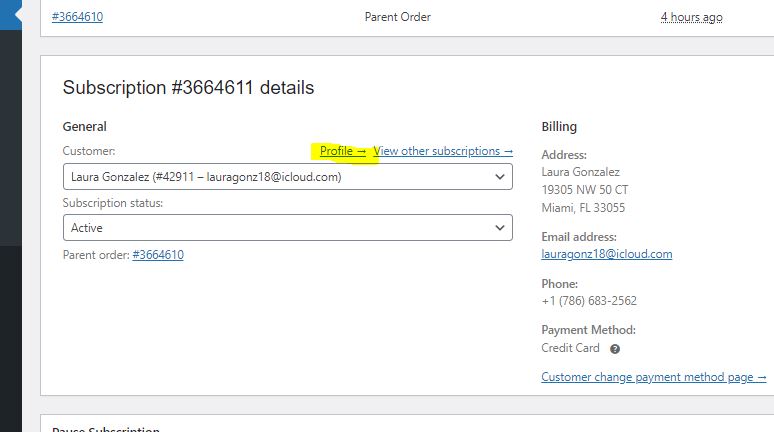
You can change a customers password by selecting "Profile" in a customers subscription. You will find this under the subscription information box:
Selecting "Profile" will take you to the customers personal options page:
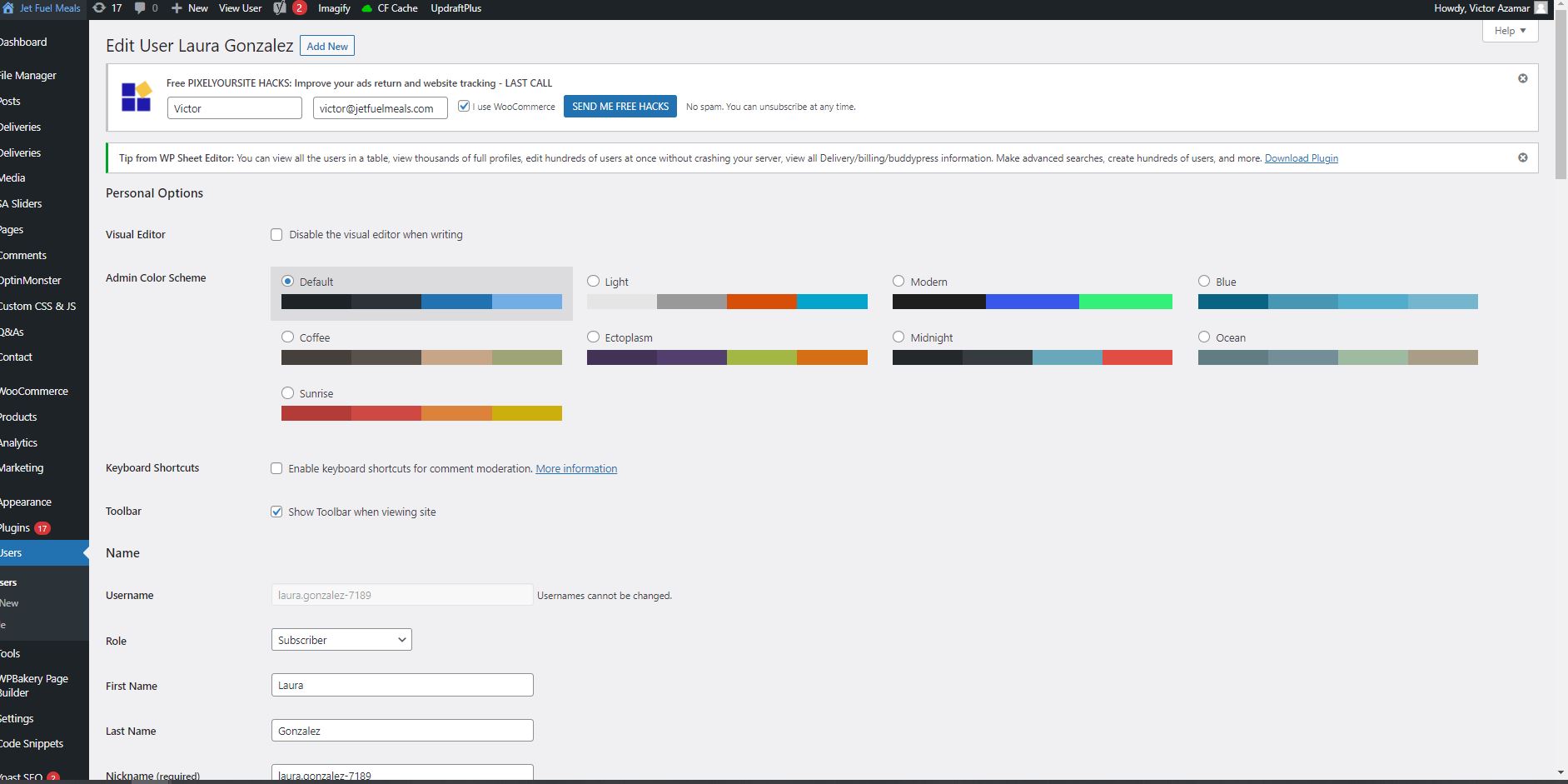
Scroll down until you find the "Account Management" section:
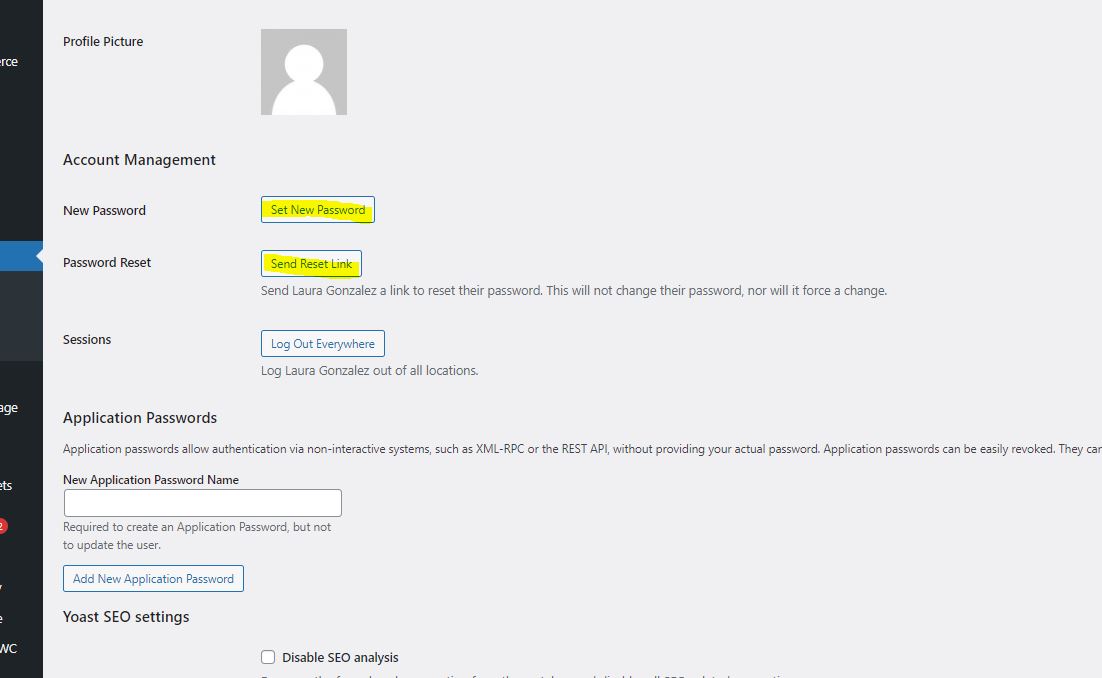
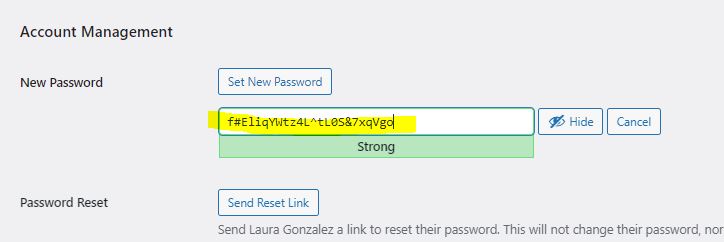
You can then select "Set New Password" to change it, the system will autogenerate a code but you and input whatever you need.
You can also select "Send Rest Link" to send the customer a link for them to make the change son their end.
If a customer asks to edit their email on file or their name on file, you can do this from this page too. Seek a supervisor to ensure you complete account changes correctly.
Comments
0 comments
Please sign in to leave a comment.